



Error 1920.Service VMware vCenter Converter Standalone Server (vmware-converter-server) failed to start. Verify that you have sufficient privileges to start system services.
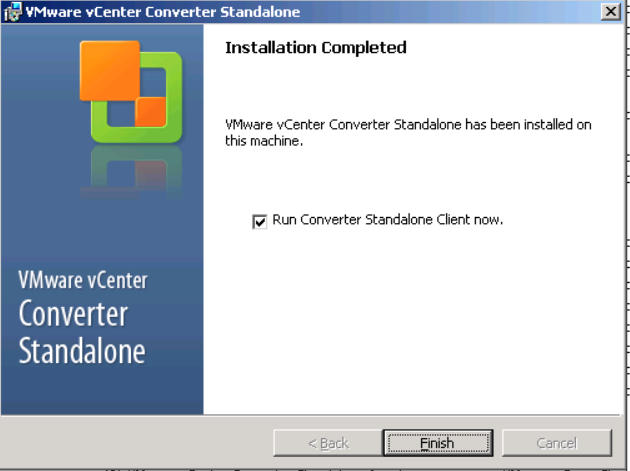
Today I had a chance to work on the p2v conversion after a long time. This is to migrate windows server 2003 physical server to VMware VM. I downloaded the vCenter converter 6.2 and started to install it. Unfortunately it was not completed. I tried to start the services manually through the services.msc but it gives the below error. You can see the VMware services are being listed there and see the start option as well.


I checked the installer log (%temp%\vminst.log) but no luck. I did the reboot even but nothing happened. I created a separate user account and granted the local admin permission too. Get the installer as run admin. None of those not worked for me.
Finally I googled it and found below KBs but nothing worked for me.
https://kb.vmware.com/s/article/1021465
https://kb.vmware.com/s/article/1006748
Most of the people say disabling the UAC in windows but unfortunately there is no way to disabled UAC in windows 2003.
Finally I was able to find the solution. I was thinking this failed due to permission and there is a way to grant permission. When I was thinking about this, yeah there is a way and I need to try that. Finally, I think I was granted permission for specific service.
Please follow the below steps in your windows 2003 server.
Go to services.msc
Locate the VMware vCenter Converter Standalone Agent service first


It is selected as Local system account by default
I changed it to This account and granted the permission with the local user account which I have created.
In my case
Username : p2v
Specify the password.


Click on Apply and OK.
Then I started the service again. And repeat the same steps for the other two services as well. Now you can see services are running.


Thank you for reading. Stay safe.